Every insurance agent knows the feeling. A renewal goes out, the premium ticks up, and the first you hear about it is a cancellation request. The client didn’t call to ask questions. They didn’t give you a chance to re-shop the policy. They just quietly found someone else.
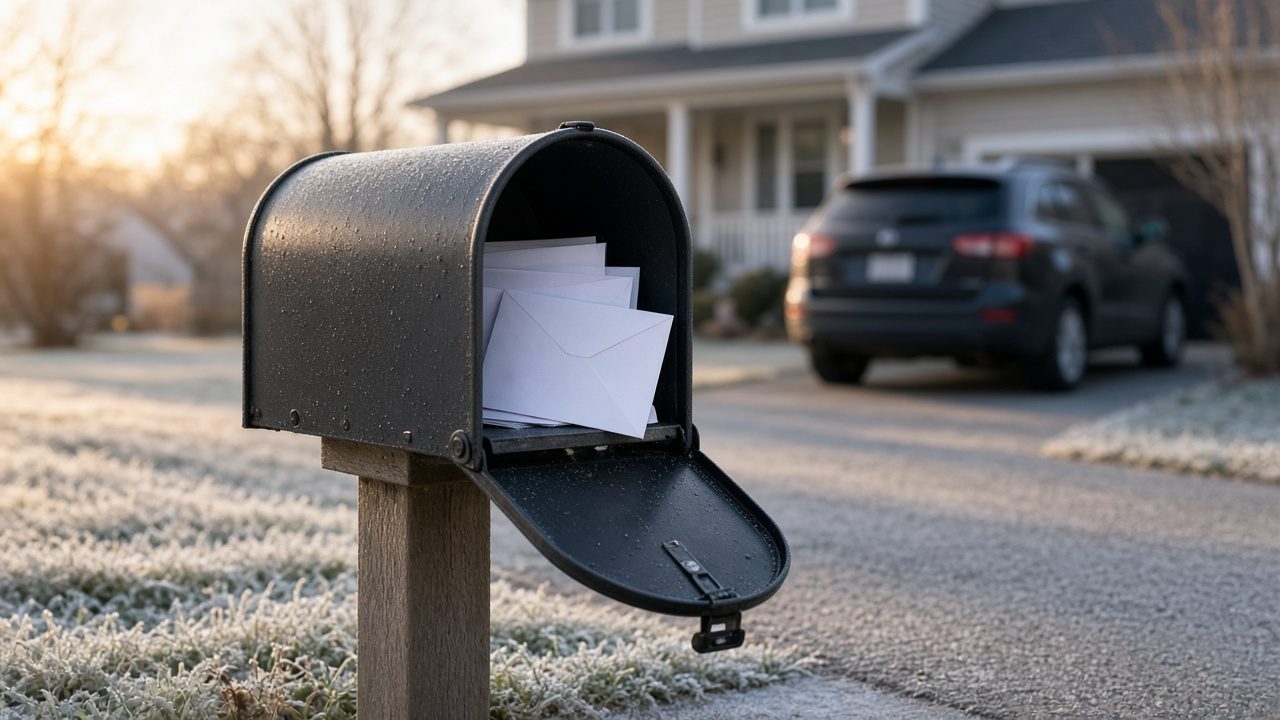
Most of those losses aren’t about price alone. They’re about silence. The renewal notice arrived in a stack of envelopes, looked like every other bill, and the only voice the client heard about it was their own frustration.
This guide covers how to reach clients before each renewal with a personal blue-bubble iMessage from your own iPhone, what to say at each step, and how to keep it consistent across your whole book without turning it into a mass-text blast.
Why renewals slip away
Clients rarely leave an agent they like on purpose. They drift. A few common reasons:
- The notice looks like junk mail. Paper and email renewal notices blend in with everything else, so the first real look comes when the payment hits.
- The increase feels unexplained. Rates moved, a discount dropped off, or coverage changed, and nobody told them why.
- Someone else reached out first. Another agency or a direct carrier ad showed up at exactly the wrong moment.
- They assume you’re too busy. If the only time they hear from you is at billing, calling you feels like a hassle.
A short, personal text a few weeks before renewal changes that dynamic. It shows the client you’re paying attention, gives them an easy way to ask questions, and puts you back in the conversation before a competitor is.
Why iMessage from your own iPhone works for renewals
Insurance is a relationship business, and renewal is the moment that relationship gets tested. How the message arrives matters as much as what it says.
- It comes from you. A blue bubble from the number your client already has saved reads like a note from their agent, not a marketing system.
- It lands in a real thread. Your earlier conversations about the claim, the new car, or the teenage driver are right there, so the client has context.
- It’s easy to answer. A reply is one tap away. No portal login, no hold music.
- It doesn’t look like a blast. Texts from short codes or random numbers often get ignored. A message from your own iPhone, written to one person, gets read.
Lightsend is built around exactly this. It doesn’t use a third-party iMessage API or a rented number. It queues personal messages for the right clients at the right time, sends you a push notification, and you review each one and tap send from your own iPhone.
A simple renewal touch plan
You don’t need a complicated sequence. Three or four well-timed messages around each renewal date cover most of it.
45 to 30 days out: the heads-up
This is the most important message. It gets ahead of the notice and invites questions while there’s still time to act.
“Hi Maria, it’s Dan. Your auto policy renews on January 15. I’m taking a look at it now to make sure your coverage and discounts still fit. Anything changed on your end, like a new car, a new driver, or a move?”
2 to 3 weeks out: the review offer
If the premium is going up, say so before they find out on their own, and offer to help.
“Hey Maria, your renewal came in a little higher this year, mostly from rate changes in our area. I’d be glad to re-check a couple of options or bundle discounts. Want me to run a quick comparison?”
Renewal week: the confirmation
A short note that the policy is in force and you’re still there.
“Your policy renewed today and you’re all set. If anything comes up this year, text me here anytime.”
A few weeks after: the light check-in
No pitch. Just a reminder that you’re their agent, which is often when a referral or a cross-sell question comes up naturally.
“Hope the new year’s off to a good start. Quick reminder that I can look at home or umbrella coverage too if that ever comes up.”
Edit these in your own voice. The goal is to sound like you, not like a template.
Keep it organized with the CRM you already use
The hard part of renewal outreach isn’t writing the message. It’s remembering to send it for every client, every policy, every month.
That’s where your agency management system or CRM comes in. If you track renewal dates in a tool like AgencyZoom or EZLynx, you can connect AgencyZoom to Lightsend or use EZLynx with Lightsend so that a client coming up for renewal gets sent into Lightsend as a contact. Lightsend then queues a personal iMessage for you, notifies you when it’s ready, and you tap to send.
Lightsend works with RateUpdate, GoHighLevel webhooks, n8n, Zapier (via Webhooks by Zapier), its REST API at api.lightsend.io (API docs), and an MCP server. You can browse every CRM that works with Lightsend to find setup steps for your system.
However the contact arrives, the rule stays the same: nothing goes out until you review it and tap send.
What to avoid
- Waiting for the notice to do the work. By the time the client opens the envelope, you want them to have already heard from you.
- Only reaching out when the price goes up. If every text is bad news, clients start to dread your number. Mix in confirmations and simple check-ins.
- Sending the same message to everyone. Mention the policy, the date, or something specific to the client. One detail is enough to make it personal.
- Over-explaining in the text. Keep it short. Save the coverage details for the call or email they ask for.
- Using a number they don’t recognize. If clients know your cell, keep renewal conversations on your cell.
Tips that make renewal texts land
- Lead with their name and the date. “Your auto policy renews January 15” is clear and hard to ignore.
- Ask one easy question. “Anything changed on your end?” gets more replies than a paragraph of options.
- Be honest about increases. Clients take a rate change better when they hear it from you first.
- Batch your review time. Set aside a few minutes each morning to look over the queued messages, tweak them, and tap send.
- Log the replies. When a client says they bought a new car or added a driver, update the policy and your CRM right away.
Start your renewal outreach from your own iPhone
Your clients chose you because they wanted an agent, not an 800 number. A personal message before each renewal is one of the simplest ways to prove that choice was right, and it’s often the difference between a renewal and a cancellation.
Lightsend is $14/month or $113.99/year. It queues your renewal reminders, notifies you when each one is ready, and keeps every conversation in your own blue-bubble threads. You review each message and tap send.
Download Lightsend on the App Store and send your first renewal reminder today.